Advertisement
Click to download now, finish the installation quickly, and directly unlock the all-round experience
Advertisement
Screenshots
Click to download now, finish the installation quickly, and directly unlock the all-round experience
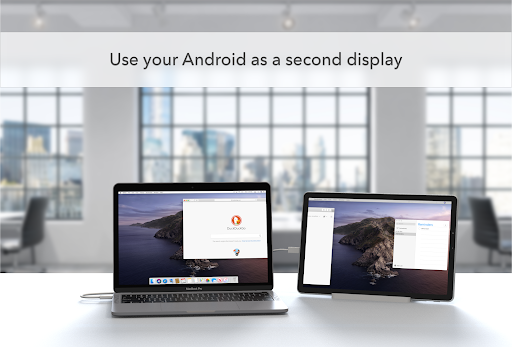
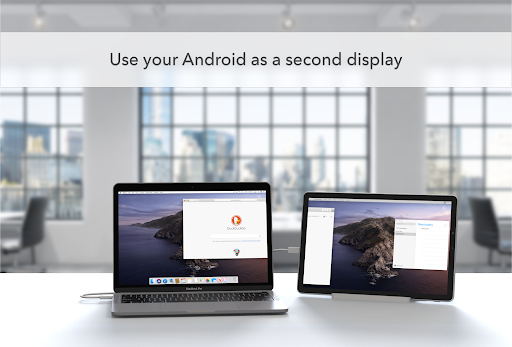
Duet Display turns an Android phone, tablet or Chromebook into an additional screen for a Mac or Windows PC. It is intended for people who want more room for work, such as keeping a document or reference open beside their main screen, or taking a second display with them while travelling. The Android app works with a Duet desktop app on the computer; open both to connect the devices.
Developer: Duet, Inc. Category: Productivity. Duet Display has a rating of 4.24 out of 5 from 7,630 ratings and 500,000+ installs. Those figures give a snapshot of its reach and user feedback, but do not indicate whether it will suit a particular computer setup.
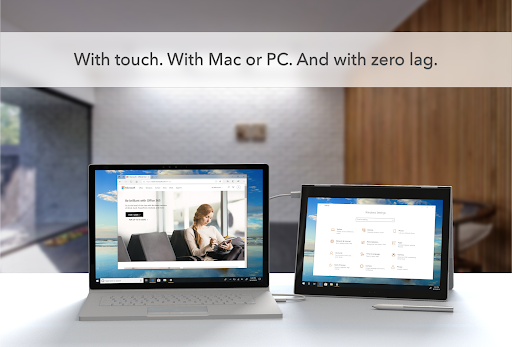
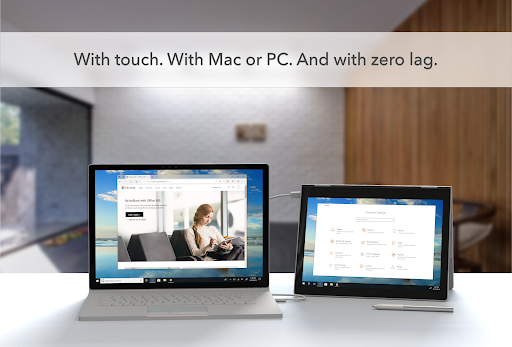
The supplied compatibility information lists Android 7.0 or later, Mac computers running macOS 10.14 or later, and PCs running Windows 10 or later. Check that both your Android device and computer meet these requirements before relying on the app for a specific setup. The extra screen can also be used as a touchscreen, with gestures such as two-finger scrolling, panning and zooming.
This app is most relevant if you already use a Mac or Windows computer and want to extend its display onto an Android device. It is not a standalone document or task manager: its main purpose is showing computer content on the mobile device, so it depends on the companion desktop app. Touch input and gestures may be useful when interacting directly with that content, while the added screen space is the central reason to use it. Duet Display’s listing does not provide enough information here to establish whether the service has a cost, so check the current terms before choosing a plan.