TeamViewer QuickSupport
TeamViewer
Downloads
50,000,000+
Source
Google Play
Advertisement
Click to download now, finish the installation quickly, and directly unlock the all-round experience
Advertisement
Screenshots
Click to download now, finish the installation quickly, and directly unlock the all-round experience
TeamViewer QuickSupport lets a support person connect remotely to an Android phone, tablet, Chromebook or Android TV. It is intended for people who need help from a technician, colleague or other trusted person, rather than for controlling someone else’s device without their involvement. The app is made by TeamViewer and is listed in Productivity.
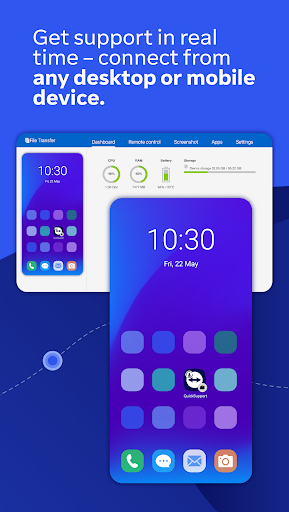
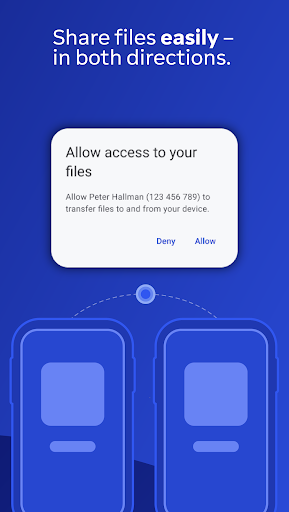
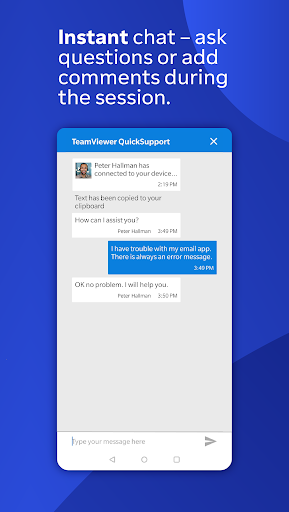
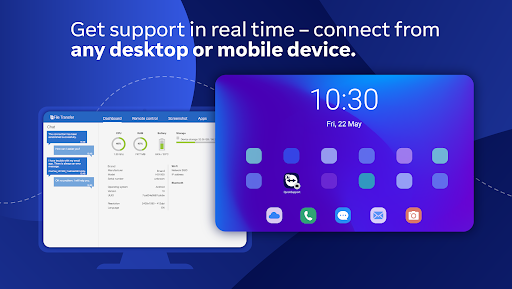
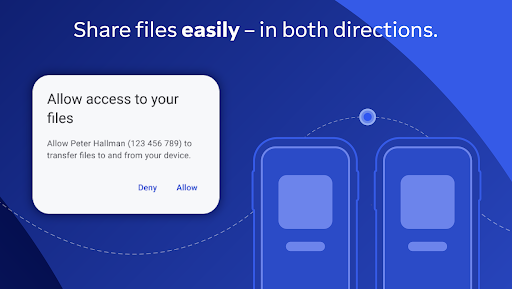
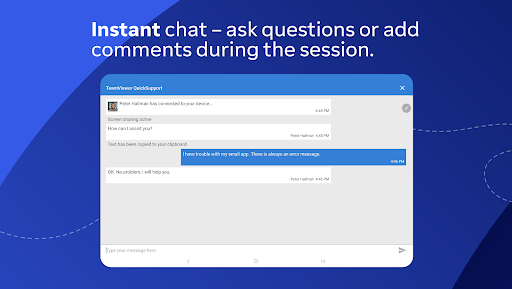
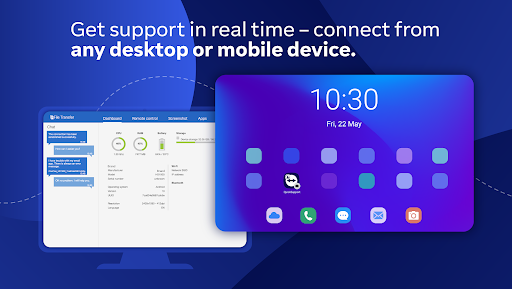
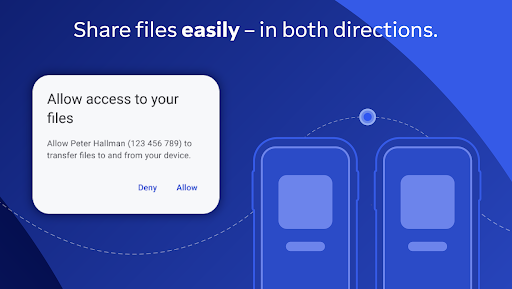
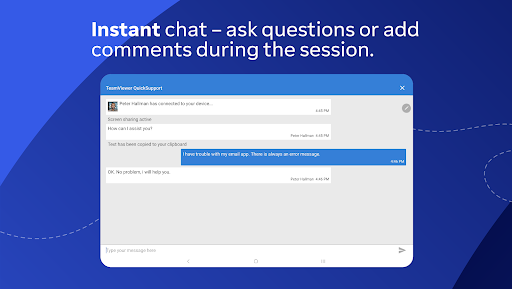
Once you approve a connection, the other person can help troubleshoot your device and, where supported, use tools such as chat, file transfer and device information. The reference also lists remote control, screenshots, app management and Wi-Fi settings among the available functions. Which actions work can depend on the device and its capabilities.
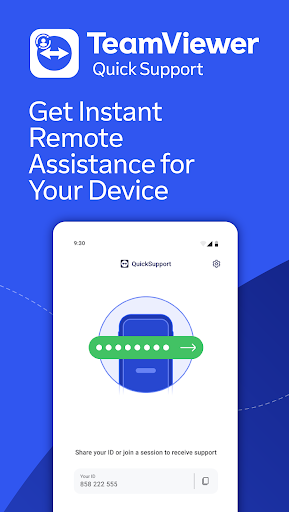
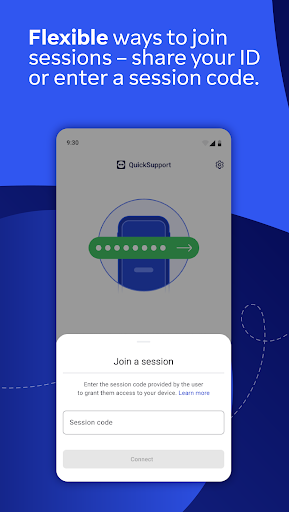
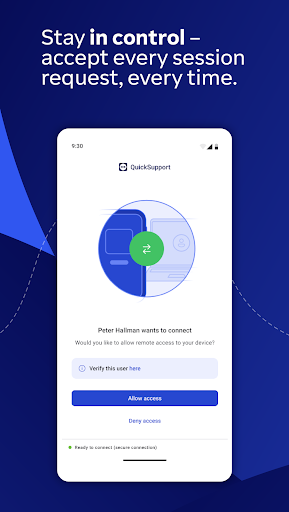
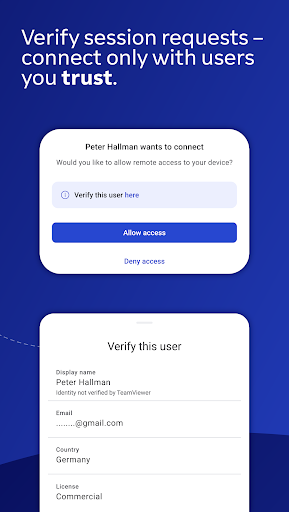
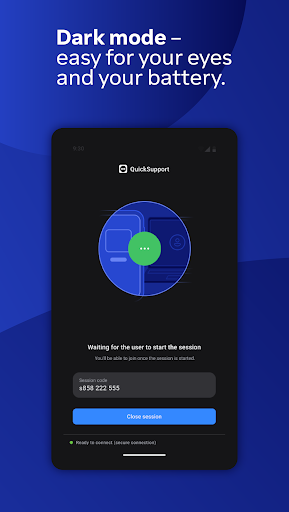
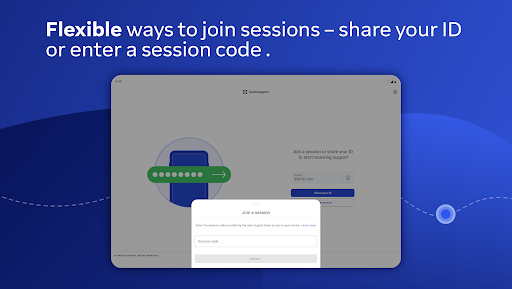
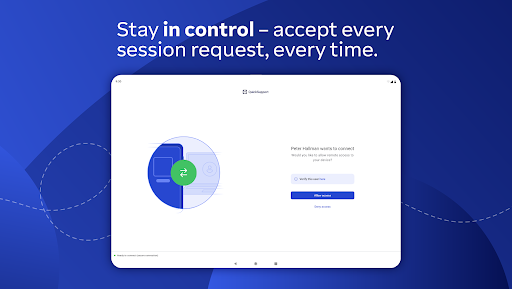
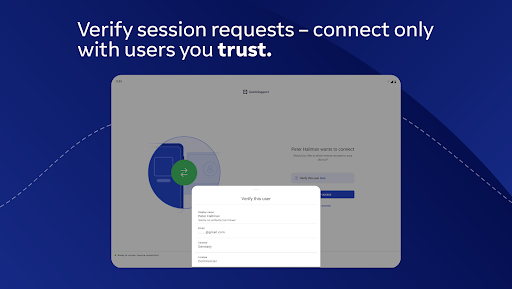
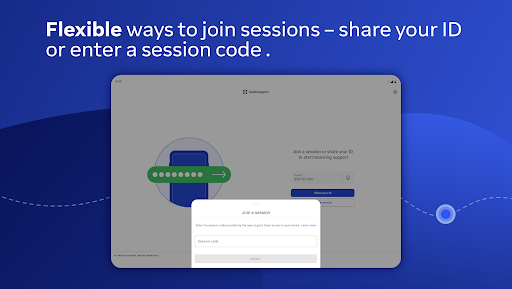
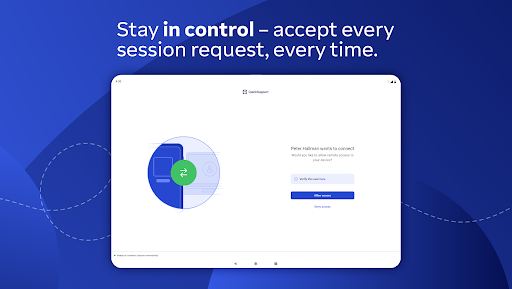
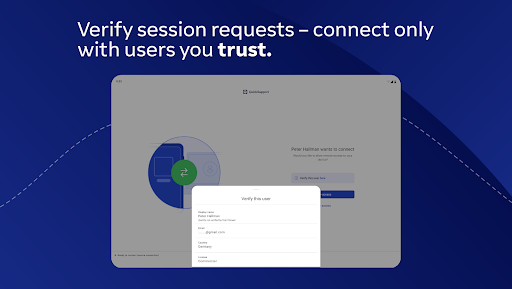
QuickSupport can receive connection requests from a desktop, browser or mobile device. You open the app and share its ID or use a session code. The support person cannot start a session without your approval; you can also end a session. Check the other person’s details and connect only with someone you trust.
The app has a 4.3 rating from 164,412 ratings and has been installed more than 50 million times. Those figures indicate broad use, but they do not say whether QuickSupport will work with every device model or remote-support setup.